Effective date: April 10, 2026
Overview
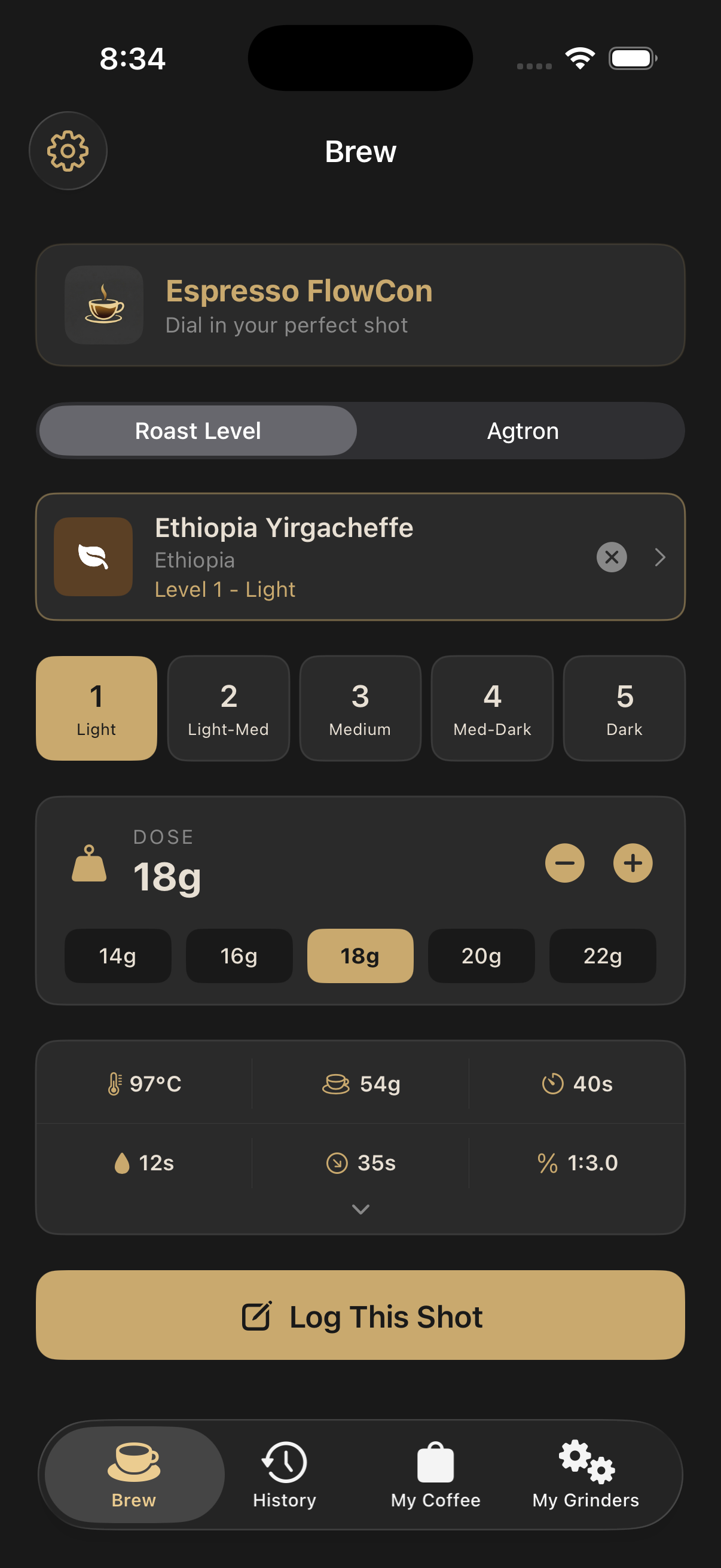
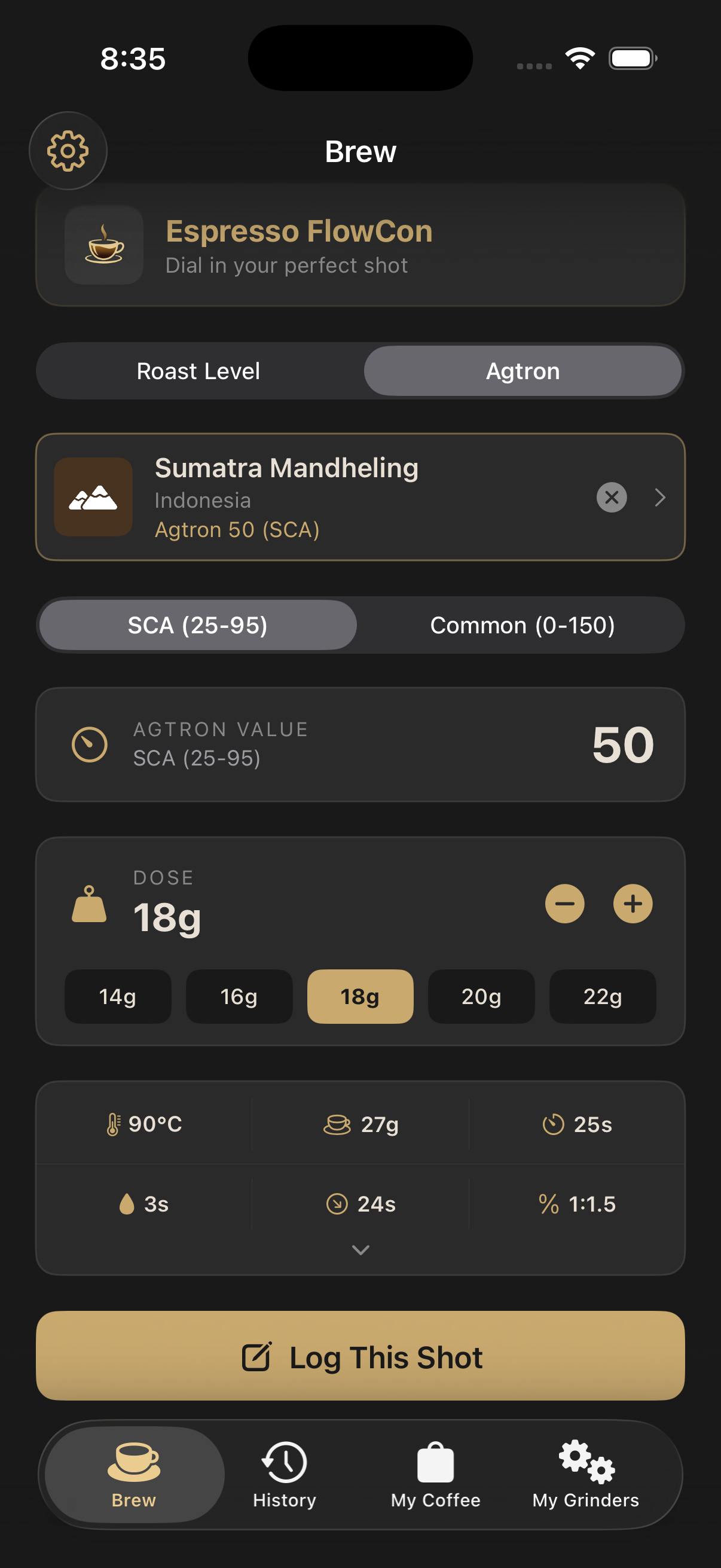
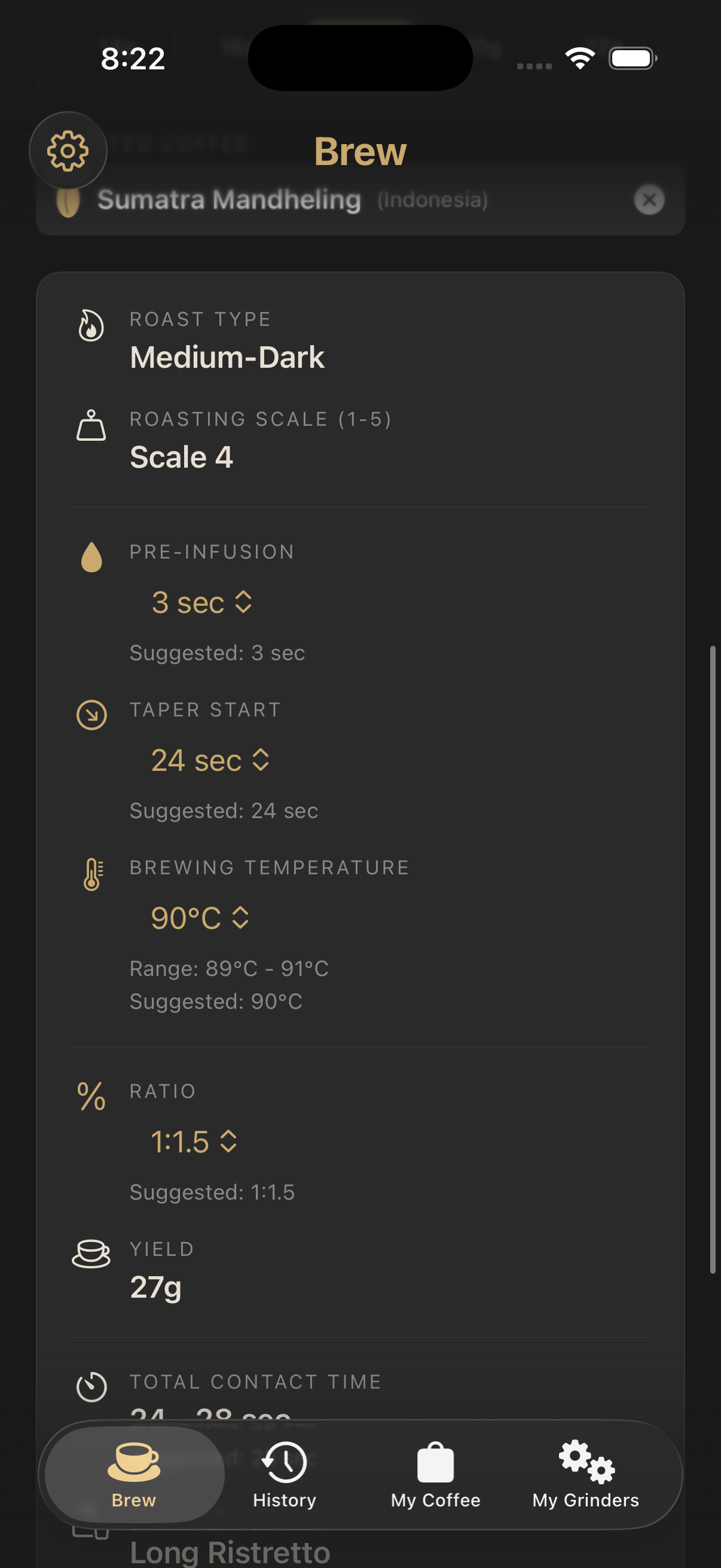
Espresso FlowCon ("the App") is an iOS application developed and operated as an independent product. Your privacy is important to us. This policy explains what information we collect, how we use it, and your rights regarding that information.
Information We Collect
The App operates primarily on-device. We collect only the minimum information needed to deliver its features:
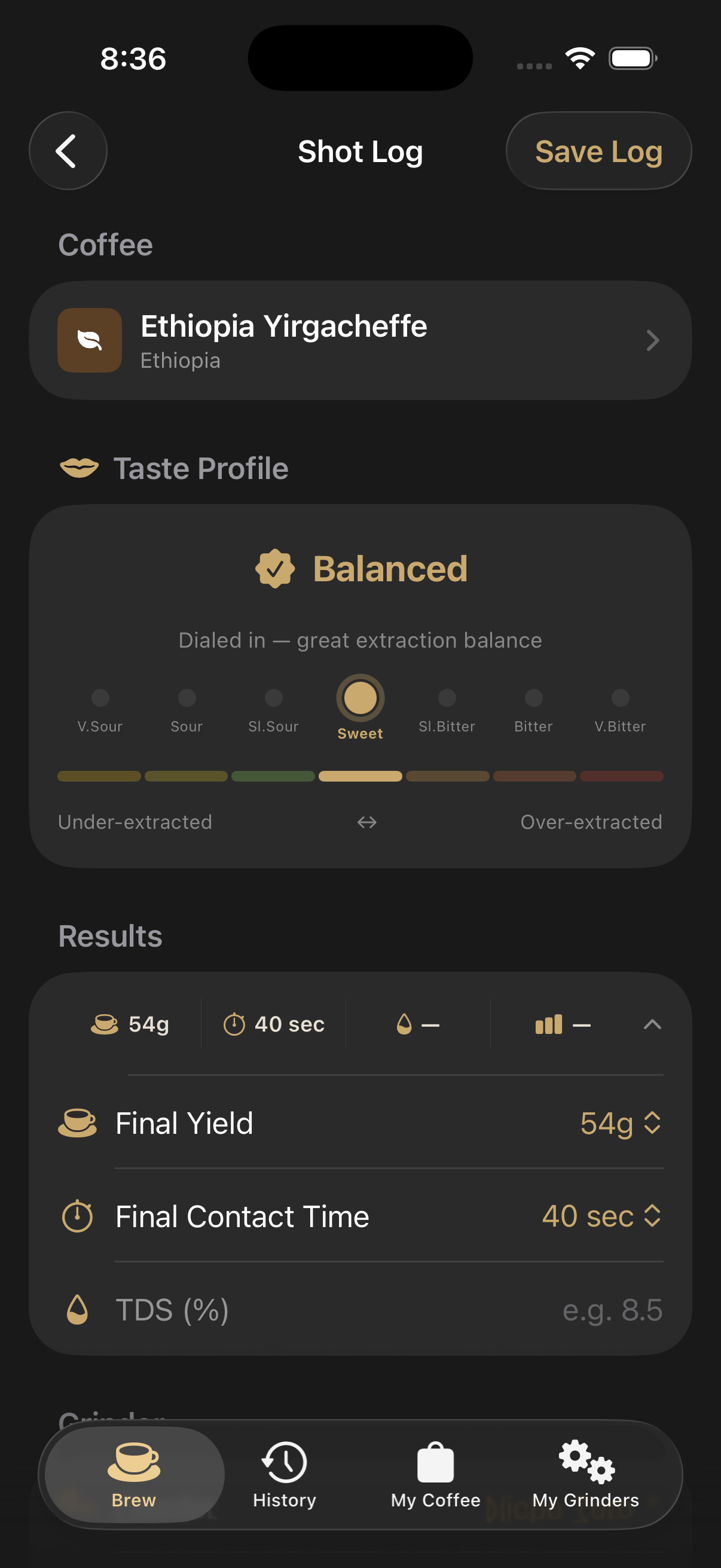
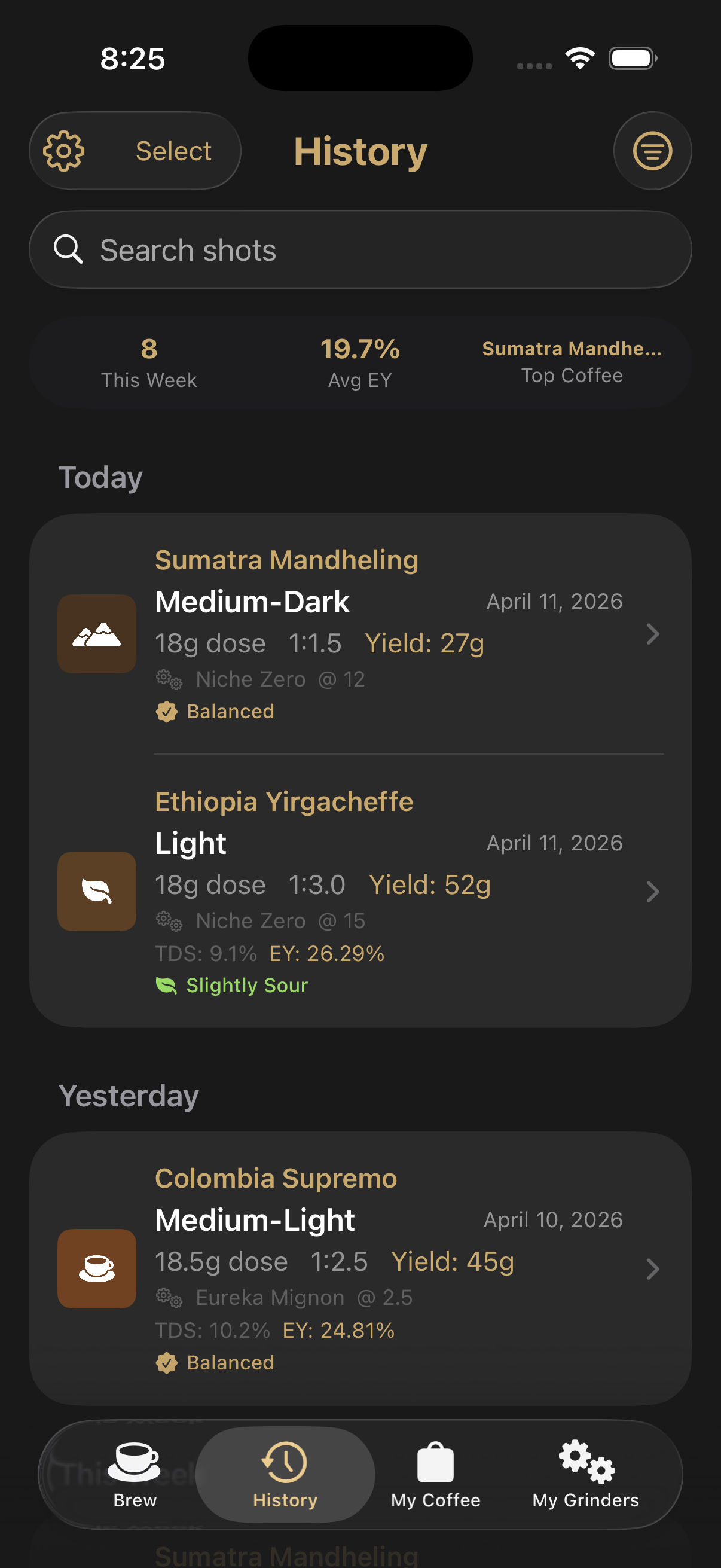
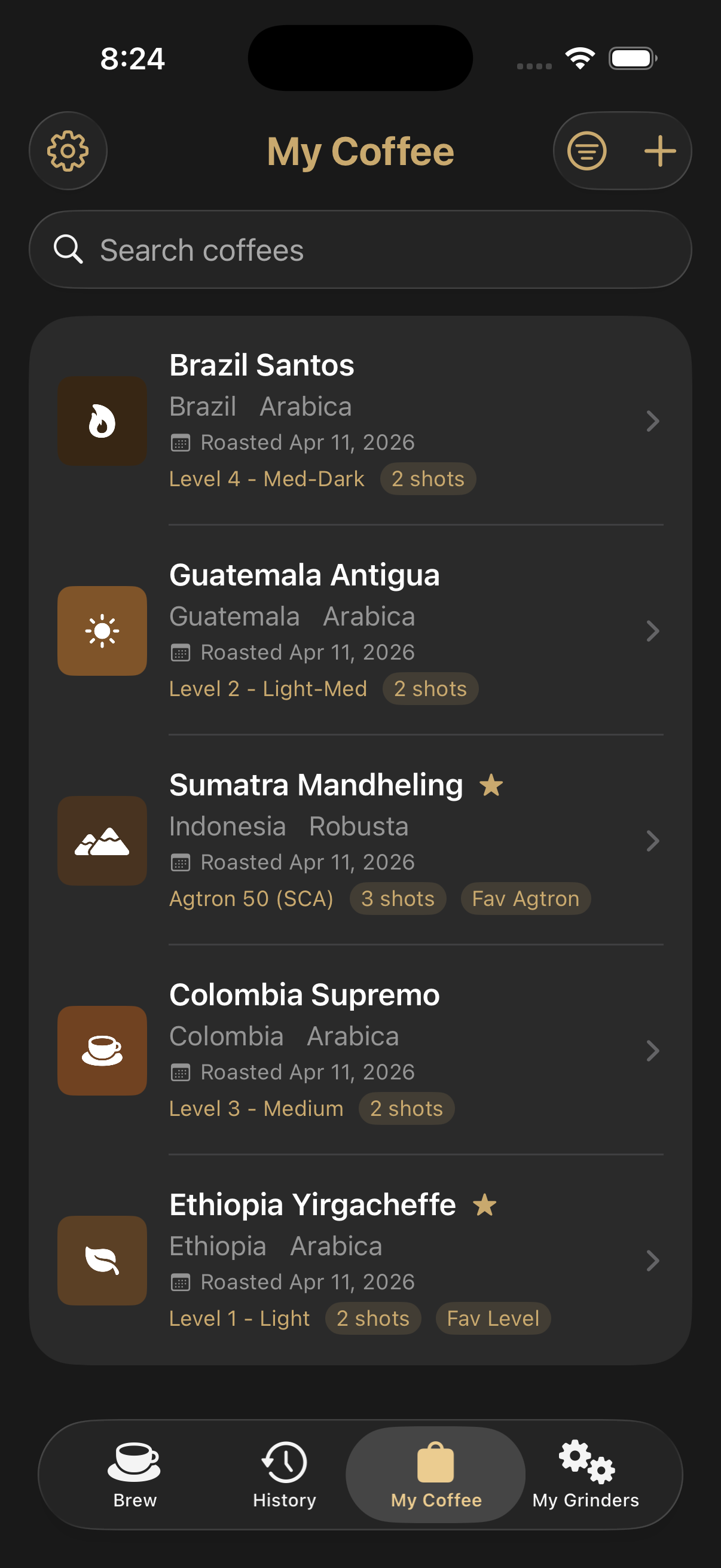
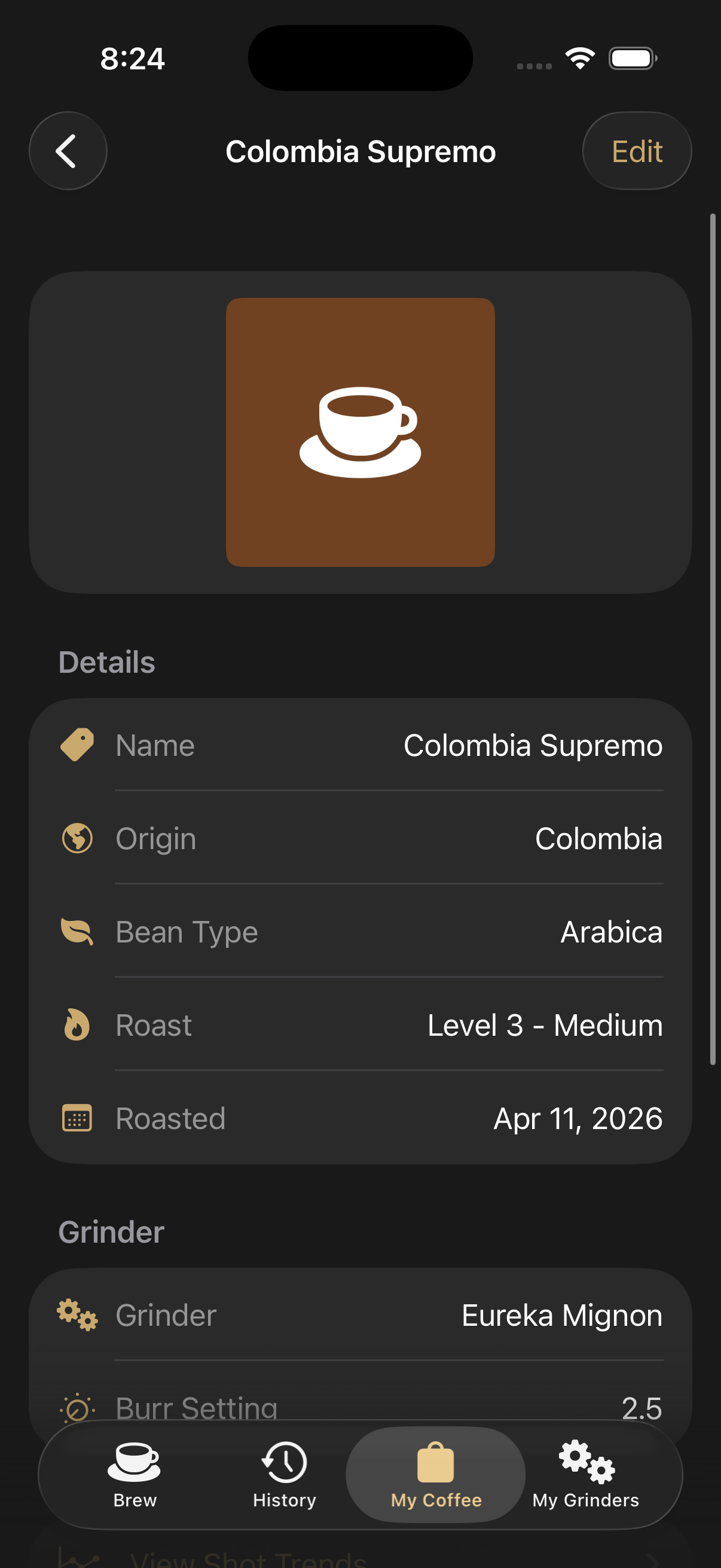
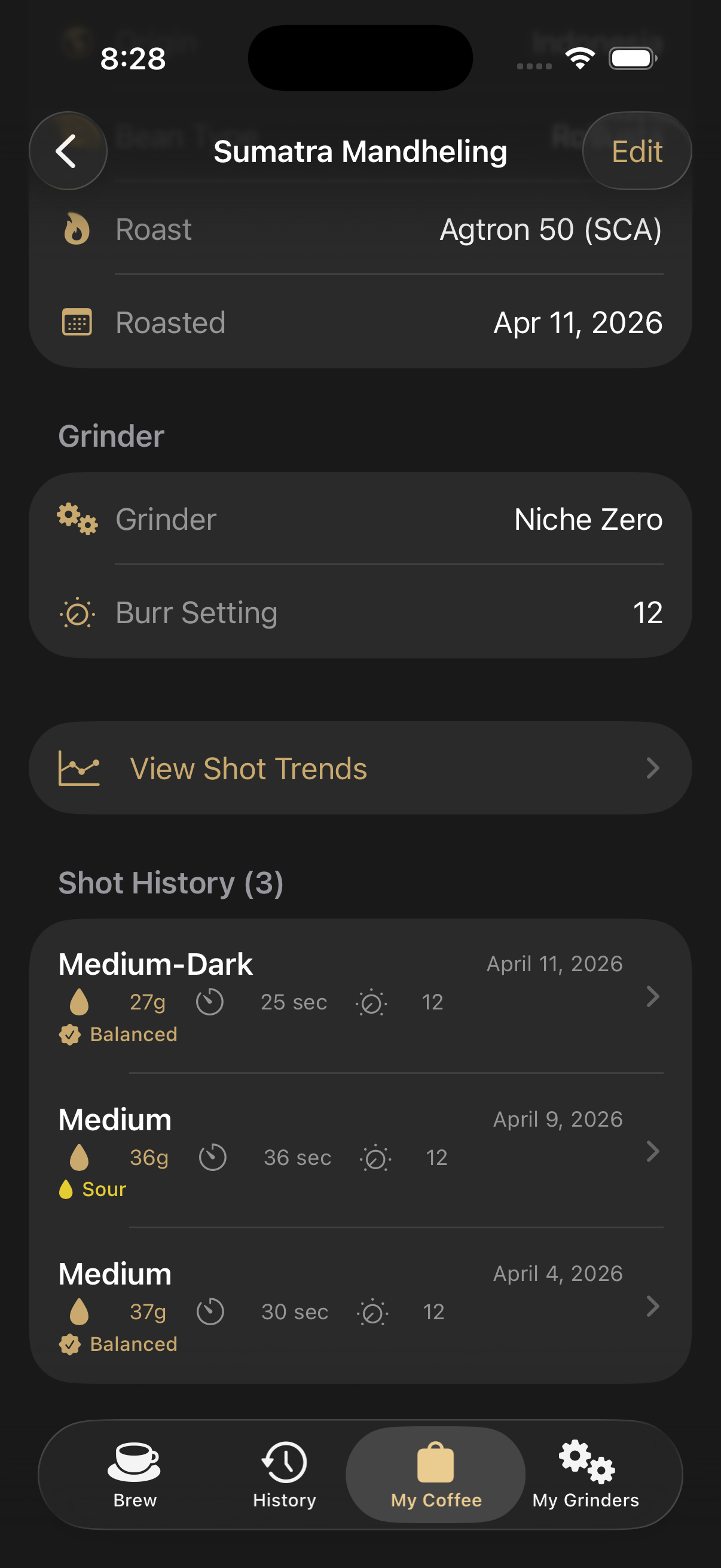
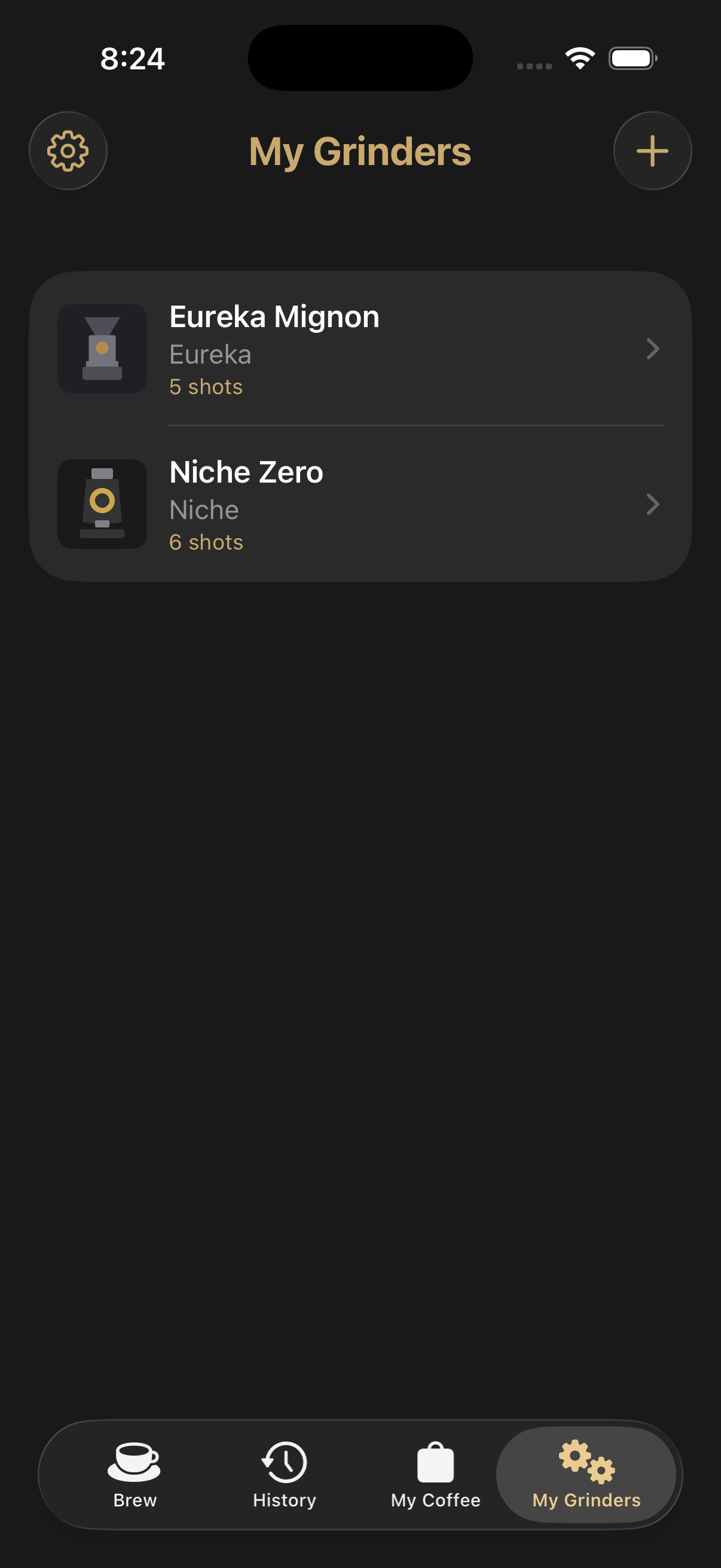
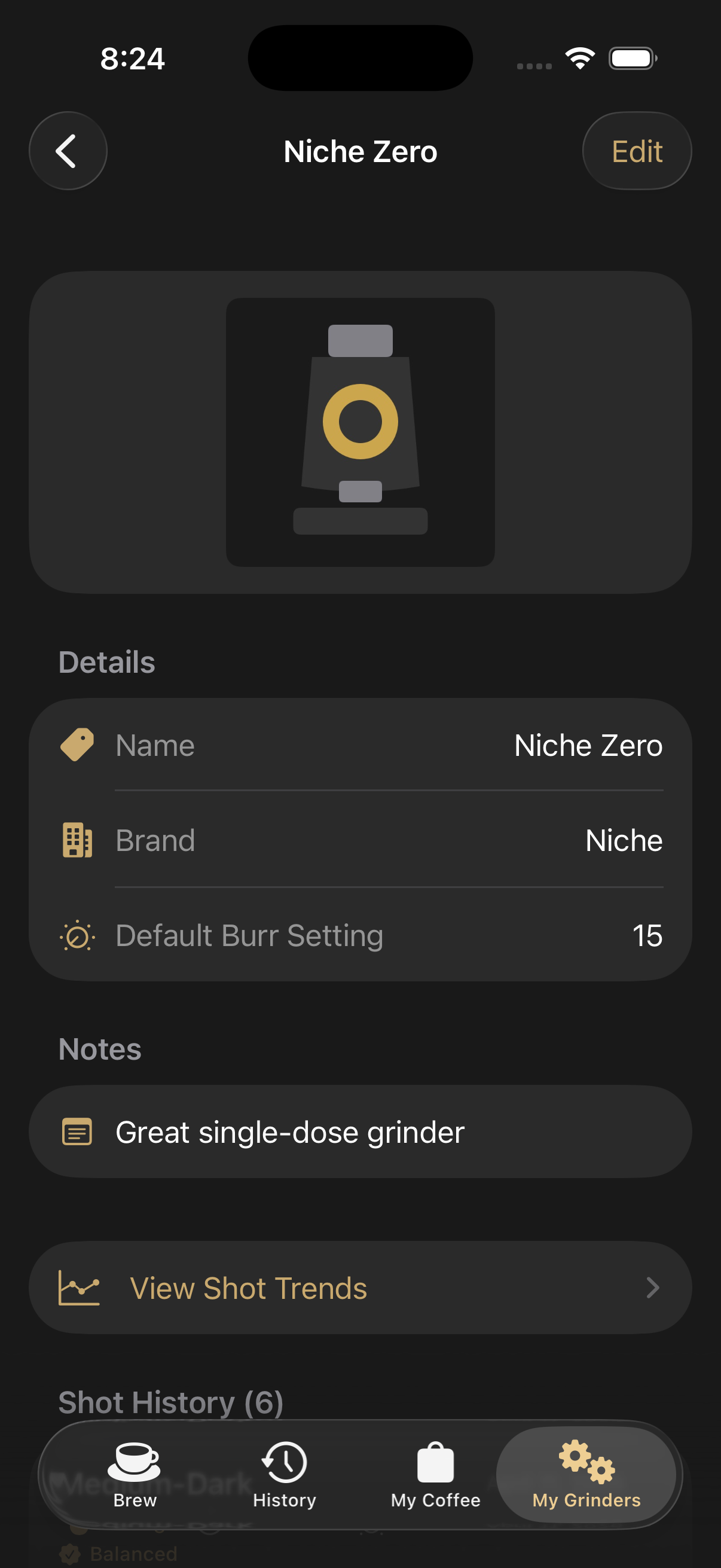
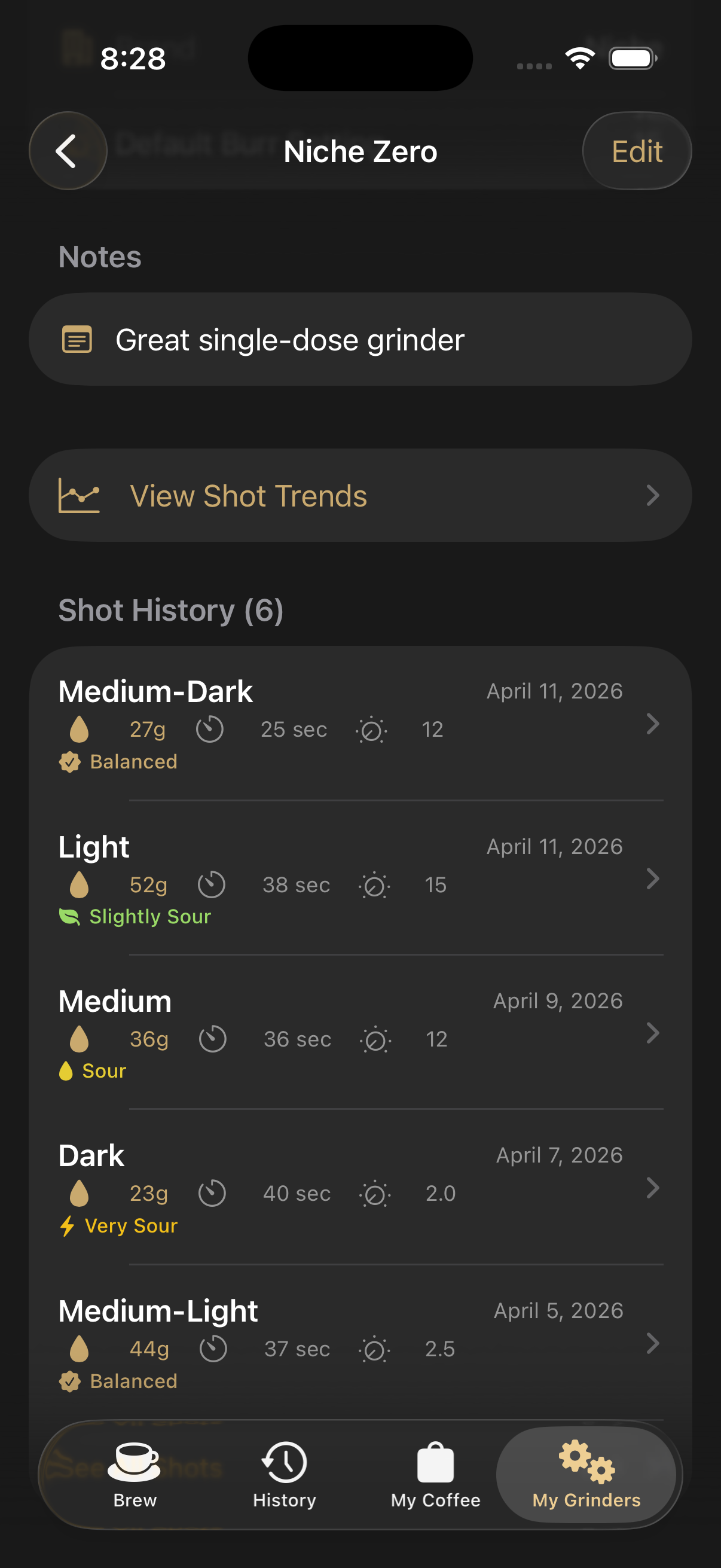
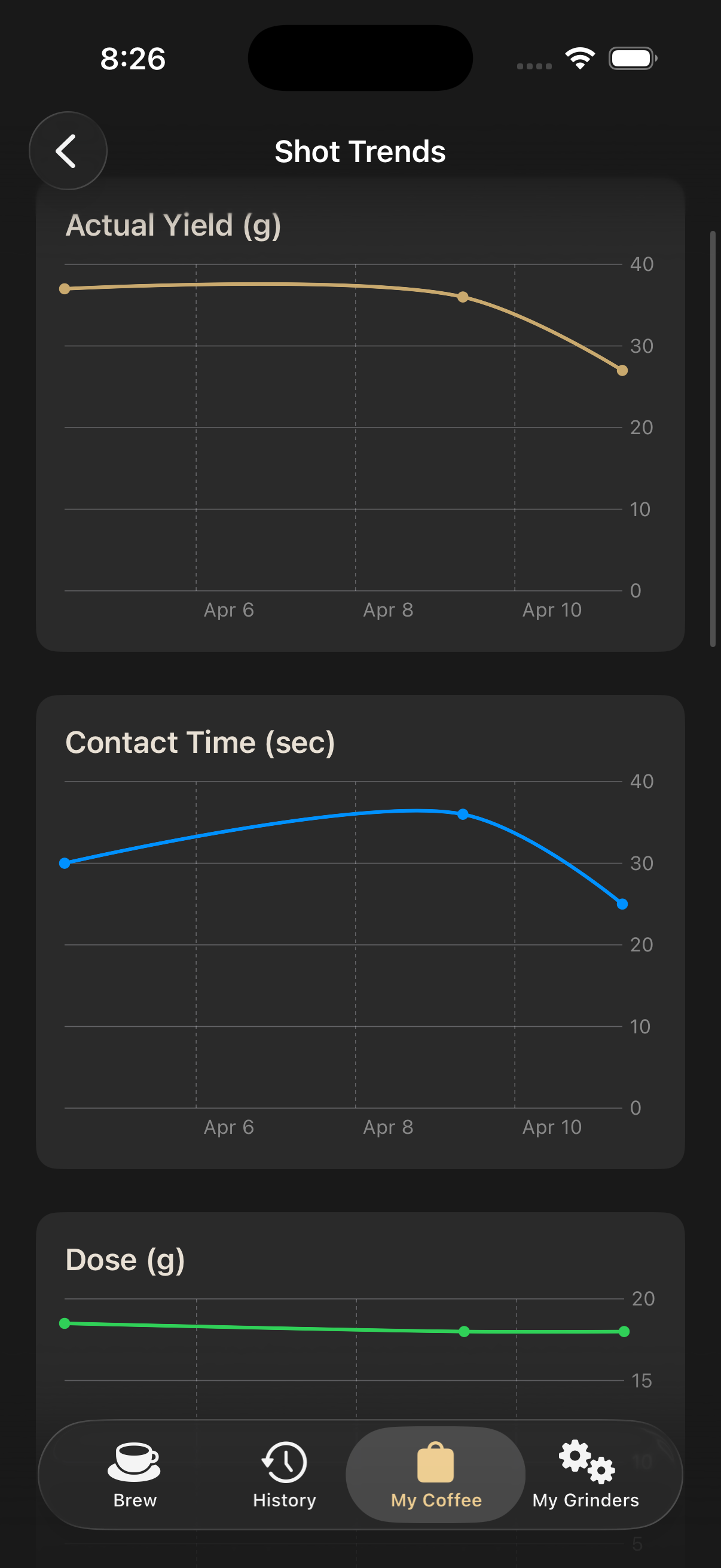
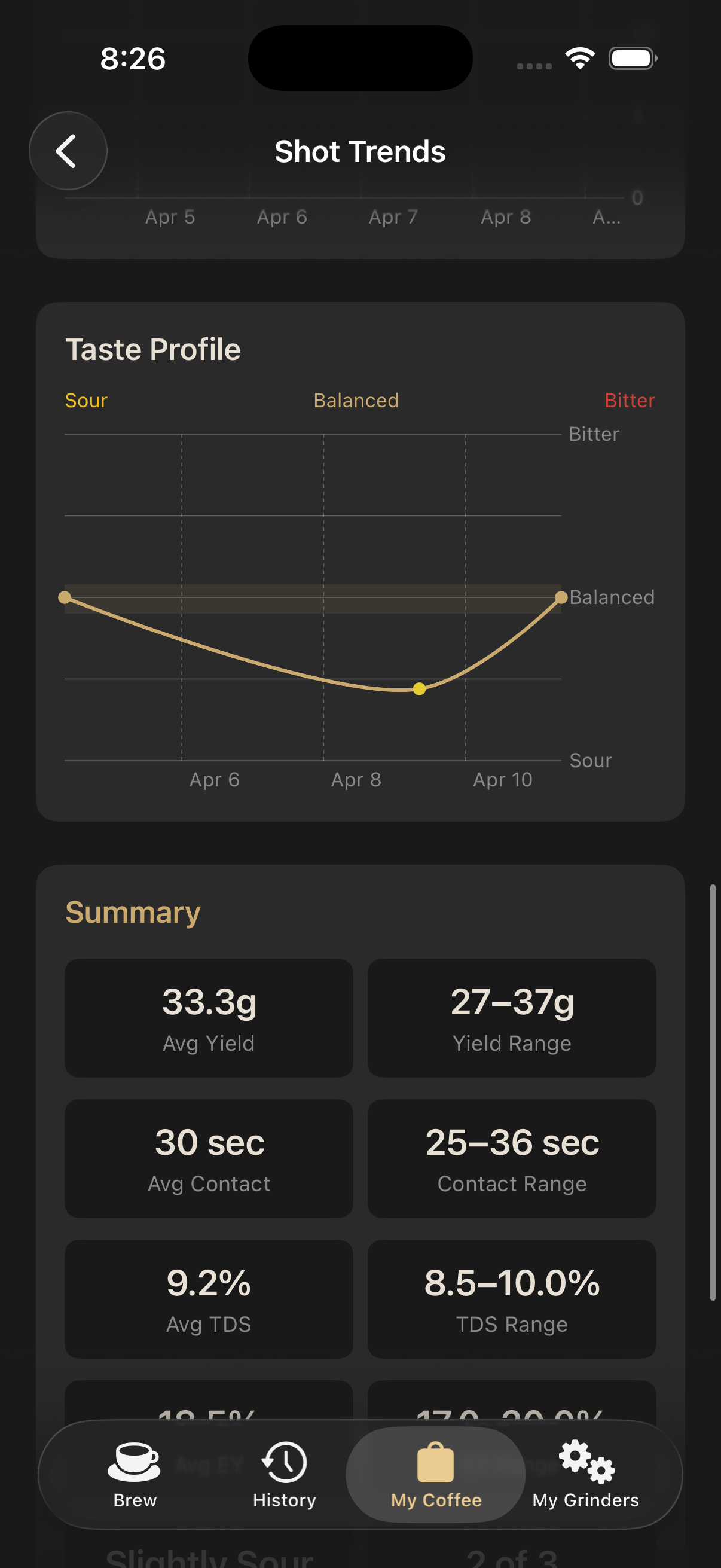
- Data you provide: Coffee bag details (name, origin, roast data), shot log entries (dose, yield, tasting notes), and photos you add to your coffee collection. All of this data is stored locally on your device using Apple's SwiftData framework and is never uploaded to our servers.
- Purchase information: If you subscribe to Espresso FlowCon Premium, your purchase is processed entirely by Apple through the App Store. We receive only a confirmation of the transaction; we never access your payment details.
Information We Do Not Collect
- We do not collect your name, email address, or any personally identifiable information.
- We do not track your location.
- We do not use analytics SDKs, advertising networks, or third-party tracking tools.
- We do not transmit any user-generated content (coffee data, photos, shot logs) to external servers.
Photos and Camera Access
The App may request access to your camera or photo library so you can add photos to your coffee bag entries. These photos are stored only on your device and within any iCloud backups you have configured. We never access, upload, or process your photos on any server.
In-App Purchases & Subscriptions
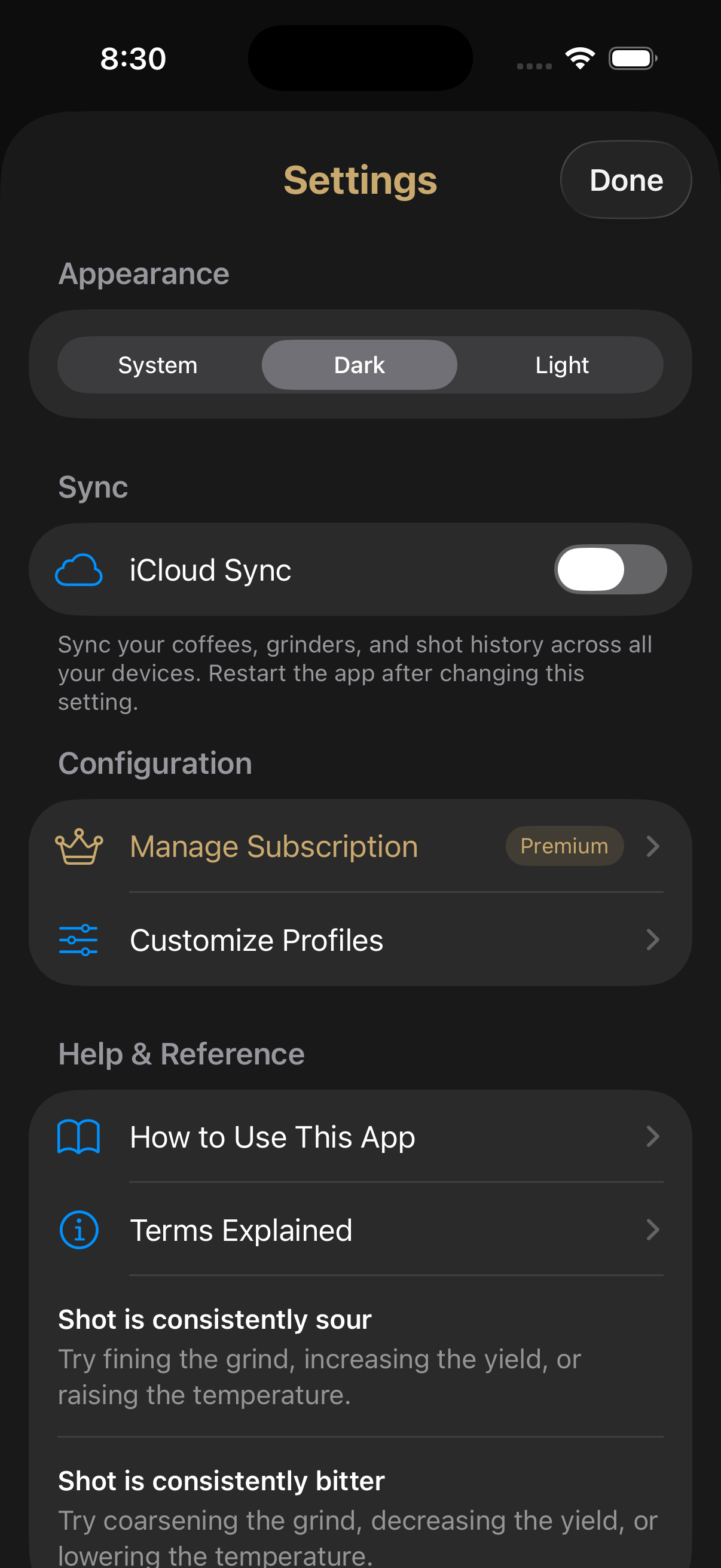
Premium subscriptions are managed entirely by Apple via StoreKit. All billing, payment processing, and subscription management happen through your Apple ID. We do not store or process payment information of any kind. You can manage or cancel your subscription at any time through your device's Settings → Apple ID → Subscriptions.
Data Storage & Security
All App data is stored locally on your device using Apple's SwiftData framework and is subject to iOS system-level encryption. If you use iCloud Backup, your App data may be included in your iCloud backup; that data is governed by Apple's Privacy Policy.
Children's Privacy
The App does not knowingly collect personal information from children under the age of 13. It is not directed to children.
Changes to This Policy
We may update this Privacy Policy from time to time. If we make significant changes, we will update the effective date at the top of this page. Continued use of the App after changes are posted constitutes acceptance of the updated policy.
Contact
If you have any questions or concerns about this Privacy Policy or your data, please contact us through the App Store listing or by reaching out via the contact information provided there.
 Available on iOS